
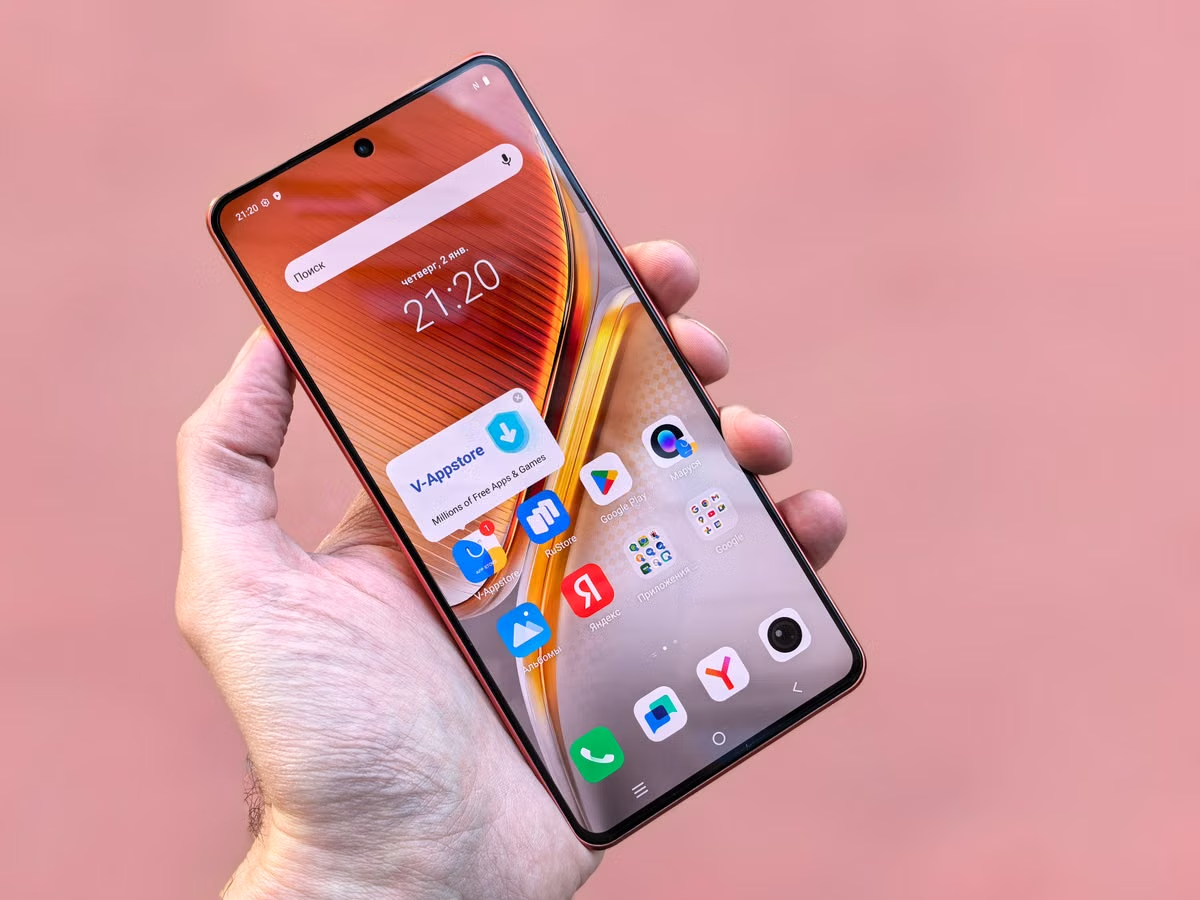
Apple confirms that apps built with Xcode 27.3 beta and its corresponding SDK can be submitted for TestFlight internal or external testing. This guide separates submission eligibility from approval of an individual build, then helps developers, QA, release owners, and CI maintainers choose and verify the right testing route.

Digital nomads can use Siri AI on a cloud Mac only if the host meets Apple’s device, system, language, and region requirements—and the remote access method supports the interactions they need. This guide compares work scenarios, provides a verification sequence, and explains when a travel device or a dual-device workflow is safer.

If you’re connecting Shopify Flow AI Toolkit or using the Shopify CLI connector, your team does not need to rent a Mac by default. This guide compares local system readiness, toolchain, store permissions, macOS retesting, and team handoffs so you can choose based on the work you actually need to do.
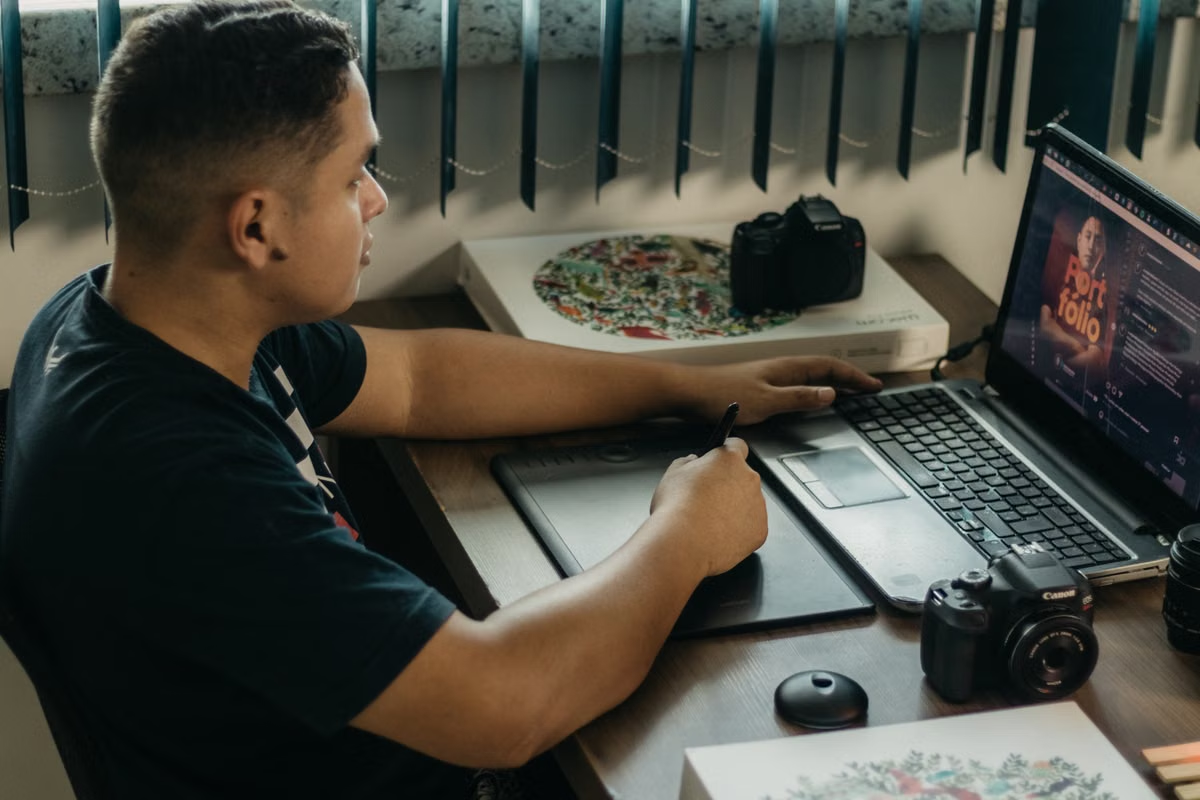
For a one-off image-editing job, compare a current remote Mac quote for the full project cycle with the cost of owning suitable equipment. This guide checks software requirements, project handoff, account conditions, and the different cost factors for occasional, ongoing, and team work.

If you maintain an iOS or macOS project, keep Agentic Workflows and Xcode validation in separate jobs: let the agent analyze or propose changes, then use a regular macOS Actions job for the actual build and tests. This guide compares the execution boundaries, explains permission and handoff checks, and gives you a reproducible acceptance path, including options when you do not own a Mac.

If your task only uses materials available to Claude Cowork in the cloud, you do not need a remote Mac just because you are traveling. If it depends on files, connectors, or desktop apps on a particular Mac, prepare Claude Desktop on that Mac and test the full workflow before relying on it.

This guide helps macOS release owners determine whether their signing assets chain to the expiring Developer ID G1 authority. It compares the impact on installer packages and notarized apps, then lays out a G2 migration and CI acceptance process.

This guide helps cross-border advertisers decide whether a remote Mac is suitable for Google Ads Editor and walk through deployment safely. It covers compatibility checks, installation, account downloads, offline edits, review, submission, and team handoffs.

If you are new to a Swift course project, use Claude Code to explain the files and trace how a feature works before asking for edits. This guide walks through project preparation, code review, and the point where you need Xcode on a Mac to build or run an iOS app.

Windows does not natively run the Mac version of Pixelmator Pro, but that does not automatically mean you need a remote Mac. This guide compares the iPad and Mac routes by device eligibility, editing habits, project files, and handoff needs, then gives you a simple way to test your own workflow.
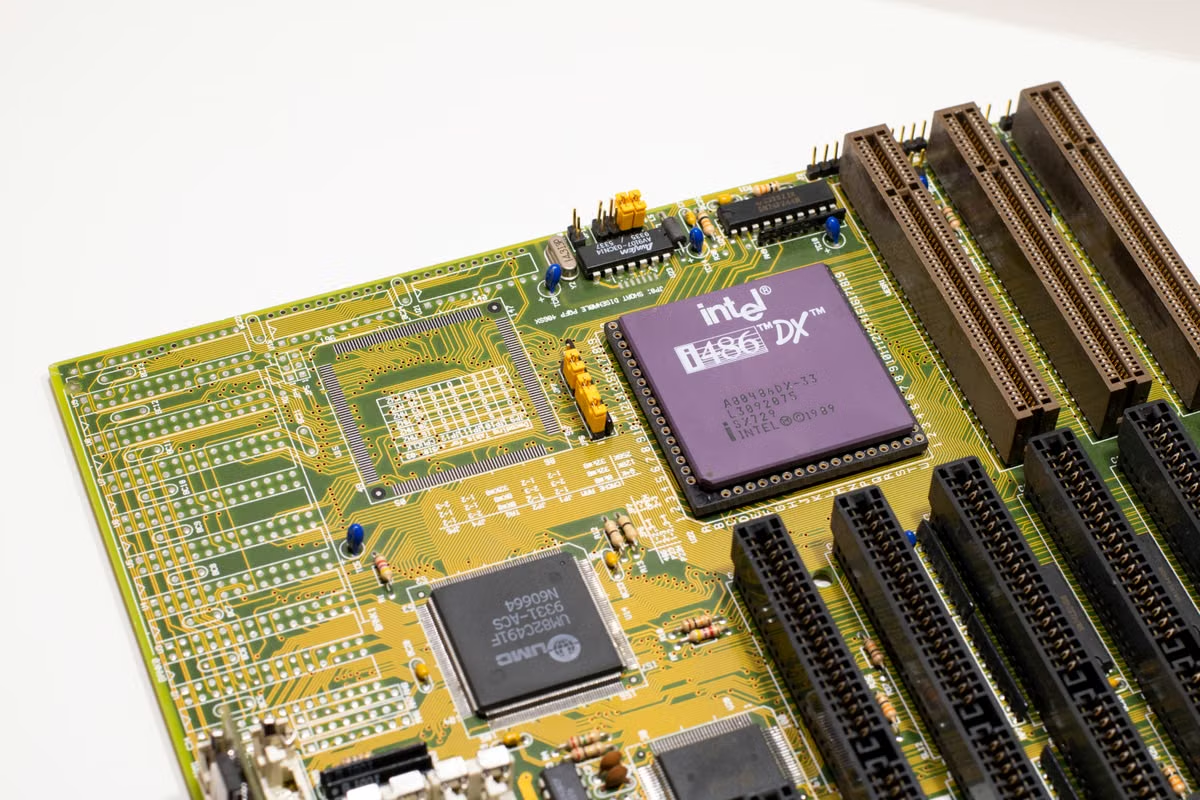
This guide helps iOS and macOS teams identify which CI jobs Intel Macs cannot run once they require Xcode 27. It covers compatibility checks, dependency and artifact validation, parallel acceptance, host choices, and rollback criteria.

This guide helps researchers decide whether Claude Code is appropriate for a macOS research workflow and how to constrain its access. It covers installation checks, data handling, code review, validation, and when a remote Mac can help.

For designers and photographers deciding whether to upgrade a working Mac to macOS 27, this guide separates Photoshop app compatibility from workflow readiness. It walks through file, font, plugin, tablet, and delivery checks, then helps you decide whether to upgrade, wait, or test in an isolated environment.

Handle marked text before running field validation, then test both the validation contract and the real keyboard interaction.

Set a pixel limit when ImageIO creates iOS thumbnails, then test the output against fixed image fixtures. Learn what size assertions cannot prove about peak memory.

Run one UI test across portrait and landscape to catch lost draft text, obstructed controls, and failed saves.
Coming soon
No articles yet. Compare three Mac configurations and pricing for each rental period, or start with the setup guide to get connected.
Series
Coming soon
Series articles will appear here, ordered by date.