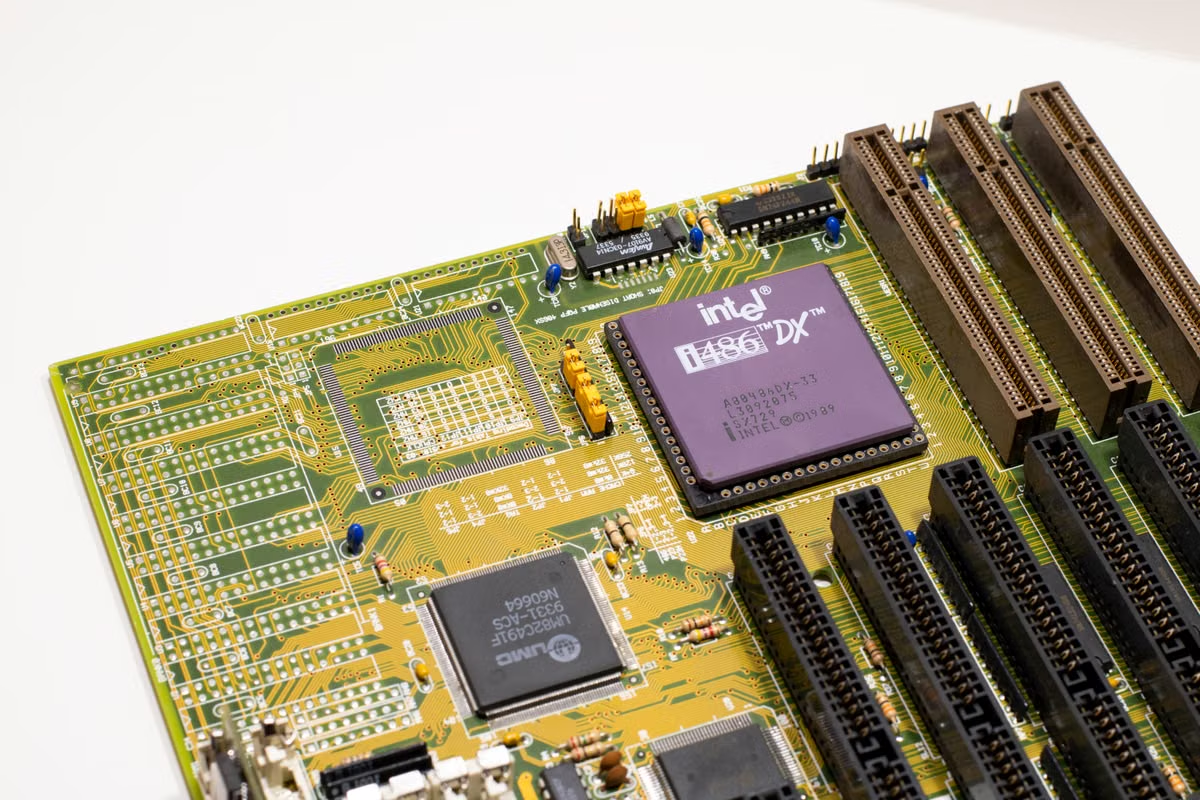
Xcode 27 cannot be installed or run on an Intel Mac, so move jobs that require it to an Apple silicon Mac and validate them in parallel before changing production CI. Keep Intel hosts for workflows that still use a supported older toolchain, provided their SDK, release, and maintenance requirements allow it.
This guide is for iOS and macOS engineers whose self-hosted CI still runs on Intel Macs, and for build-infrastructure owners planning an Apple silicon migration. Independent developers who need a temporary Xcode 27 environment can also use the decision criteria below to assess a remote Mac.
Last updated: October 21, 2026. Xcode 27’s architecture restriction and version-specific system requirements were checked against Apple’s Xcode 27 release notes and Xcode system requirements. Recheck both before changing a production image; Apple may update patch releases or supported macOS versions.
Xcode 27 Intel Mac CI migration starts with the host requirement
Apple’s release notes state that Xcode 27 can be installed and run only on Apple silicon Macs. This is a host requirement: an Intel Mac cannot run the Xcode 27 application to perform a build. Check the current release’s exact macOS requirement on Apple’s Xcode system requirements page rather than carrying forward the minimum from an earlier Xcode version.
That restriction is not the same as a statement that every app or library built with a newer SDK must run only on Apple silicon. The build host, the architecture of the compiler tools, the SDK, and the architectures included in the resulting product are separate considerations. Apple documents how to create a universal macOS binary, but that does not make Xcode 27 runnable on Intel hardware.
Can Xcode 27 be installed or run on an Intel Mac? No. Treat the Xcode 27 job as blocked on an Intel host. Do not spend migration time trying to solve this with a different runner label, a Rosetta setting, or an Intel-compatible app target; those do not change the host requirement.
The practical unit of migration is the CI workflow, not the whole machine fleet. A release archive that must use Xcode 27 needs an Apple silicon host. A lint job or an older branch that still uses an earlier supported toolchain may remain on Intel while the team verifies its dependencies and operating-system requirements.
Separate the Xcode host from the product architecture
Record these as separate fields for every important job:
- Host architecture: the physical Mac running the job.
- Toolchain: the selected Xcode version and command-line tools.
- SDK and deployment targets: what the build uses and which operating-system versions the product supports.
- Output architecture: the architectures in the app, framework, or other artifact.
- Release condition: whether a store submission, internal distribution, or customer delivery requires a particular Xcode or SDK.
This avoids a common false conclusion: “Our app still supports Intel, so we can keep building it with Xcode 27 on an Intel Mac.” The app’s supported architectures do not override the Xcode host restriction. Conversely, needing an Apple silicon build host does not by itself establish that the app must drop Intel support.
Scope the migration by workflow, not by machine count
Start with CI jobs that have a concrete Xcode 27 requirement. These may include release builds tied to the new toolchain, tests that must validate that SDK, or workflows whose delivery policy requires artifacts produced by that version. Confirm the requirement from the project’s release policy and Apple’s current version documentation rather than assuming that every branch needs immediate migration.
Then identify work that can remain on existing infrastructure. A legacy maintenance branch may still use an older Xcode version, while static checks or repository tasks may not need Xcode at all. Keeping these jobs on their current host is reasonable only if the selected tools still support that host and the team can maintain the environment safely.
How should an existing Intel Mac Xcode CI setup be handled? Inventory jobs by toolchain and release purpose. Move only the jobs that require Xcode 27 to Apple silicon first; keep older-toolchain jobs on Intel only while their supported software, dependencies, and operational ownership remain clear.
| Workflow class | Host decision | Evidence to record | Main migration risk |
|---|---|---|---|
| Xcode 27 release build | Apple silicon required | Xcode version, macOS version, build log, artifact checks | The job cannot start with Xcode 27 on Intel |
| Older-toolchain maintenance build | Intel may remain temporarily | Supported Xcode and macOS combination, dependency status | An unmaintained toolchain or dependency can become a separate blocker |
| Repository checks that do not need Xcode | Keep on a suitable existing runner | Required commands, permissions, and environment variables | Moving it may add cost without removing a real constraint |
| Release or test workflow that validates a new SDK | Apple silicon for the Xcode 27 lane | Test results and release acceptance evidence | A successful compile alone may not validate runtime behavior |
The table is a routing aid, not a blanket migration mandate. A workflow’s current host should change when the toolchain requires it, when the dependency set has been validated on the new architecture, or when the maintenance risk of keeping the old lane is no longer acceptable.
Audit dependencies and build assumptions before switching hosts
An Apple silicon host can expose assumptions that an Intel-only pipeline never revealed. Audit the full toolchain rather than just checking whether the main application compiles.
Check native tools and vendored dependencies
List command-line utilities, build plugins, test helpers, code generators, and native libraries invoked by the workflow. For each item, record whether the supplier documents Apple silicon support, whether the project builds it from source, or whether CI downloads a prebuilt binary. Verify the specific version used by the job; a general statement that a project supports macOS does not prove that every pinned release includes a compatible binary.
For Apple platform frameworks, review how dependencies are packaged. Apple’s documentation on XCFramework bundles describes a format that can contain platform and variant-specific binaries. Check the actual package contents and the vendor’s compatibility notes; the file extension alone does not prove that the slice required by a particular workflow is present.
Also inspect shell scripts and build phases for architecture assumptions. Look for hard-coded paths, downloaded tools chosen by host name, scripts that assume an Intel-only binary, and conditional logic that reads the host architecture instead of the intended product architecture. These issues may not produce a clean “unsupported architecture” error. A script can silently select a different dependency or skip a build step.
Treat caches as inputs, not as proof
A cache created on Intel may contain derived data, generated modules, or downloaded tools that are not appropriate for an Apple silicon job. For the first comparison, use a clean or isolated cache namespace for the new host. Once outputs are understood, decide whether cache keys need to distinguish toolchain version, host architecture, SDK, or dependency lockfile.
Do not infer full compatibility from one green build. A cached build may skip the step that would reveal an architecture mismatch. A passing unit test may not exercise packaging, signing, simulator selection, or a release-only script. Record which stages actually ran and repeat the relevant checks without relying on an unexamined cache.
| Dependency or assumption | What to inspect | Acceptable evidence |
|---|---|---|
| Prebuilt native binary | Supported architecture and packaging format | Supplier documentation plus an inspection or successful clean build |
| Source-built library | Build scripts, compiler flags, and conditional paths | Reproducible build log for the selected Xcode and host |
| Build plugin or generator | Supported toolchain and runtime dependencies | Version-specific supplier notes and job output |
| CI cache | Key composition and cache provenance | Isolated first run, followed by a documented cache policy |
| Shell or release script | Architecture checks, paths, downloads, and skipped steps | Reviewed script behavior and logs showing required steps executed |
Which dependency architectures should be checked before the move? Check every native executable and library the job consumes, including tools fetched during the build. Keep three records separate: what Apple guarantees about Xcode and the SDK, what each dependency supplier claims for its release, and what the project has verified in a clean CI run.
Compare parallel builds with evidence, not a single green check
Run representative workflows on Intel with the existing toolchain and on Apple silicon with Xcode 27. The comparison should answer whether the new lane produces an acceptable result, not whether the logs happen to end in “success.”
Select cases that cover different build paths: a normal development build, a test run, and the release path if it has separate scripts or settings. Include the project’s important configurations and platform destinations. If a project ships a universal macOS binary or supports more than one platform, inspect those outputs explicitly instead of assuming the host determines the artifact’s architecture.
How can Intel and Apple silicon build results be validated in parallel? Pin the Xcode selection in both lanes, start from equivalent source revisions and dependency locks, isolate caches for the initial run, then compare test outcomes, signing state, and artifact contents. Keep the logs and artifact metadata as evidence so a later rerun can be compared to the same acceptance criteria.
Use the following acceptance measures for each workflow:
- Toolchain traceability: the job log identifies the selected Xcode and command-line tools. Apple documents installation and selection considerations for Xcode command-line tools; record the actual selection used by the runner rather than relying on an implicit default.
- Build completeness: required compile, test, packaging, and release stages ran. A skipped stage must be explained, not treated as a pass.
- Test comparability: failures are classified as existing, host-specific, or newly introduced. Compare the same commit and test configuration before attributing a difference to the host.
- Signing and packaging: verify that the expected signing identity and entitlements were applied, and that the packaged artifact passes the project’s existing validation.
- Artifact inspection: record architecture and relevant metadata for frameworks and binaries. Use Apple’s universal-binary guidance where the project requires multiple macOS architectures.
- Repeatability: repeat a clean run after addressing any mismatch. One successful run does not establish that the dependency graph, cache policy, and release path are all stable.
Avoid unsupported speed claims in the migration decision. If build duration matters, collect comparable measurements under a defined method: same commit, same job stages, equivalent cache state, and repeated runs sufficient for the team’s own decision. Report the observed results with that method. Do not turn a single elapsed time into a general claim about Apple silicon performance.
Choose a host model using workload and ownership metrics
The host decision is an operations decision as much as an architecture decision. Compare the cost of maintaining existing Intel lanes, acquiring Apple silicon hardware, and using a remote Mac environment. Do not compare purchase price alone: include setup, administrator time, idle capacity, access controls, storage, network needs, and the work required to keep the toolchain reproducible.
| Option | Better fit when | Advantages | Trade-offs to account for |
|---|---|---|---|
| Retain Intel for eligible jobs | Some workflows still use a supported older toolchain and do not require Xcode 27 | Avoids moving unaffected jobs immediately; preserves existing capacity | Cannot host Xcode 27; creates a split fleet and ongoing maintenance |
| Buy an Apple silicon Mac | Work is steady, hardware is used frequently, and the team can own the machine | Direct control over hardware, storage, access, and maintenance | Upfront purchase, provisioning, physical security, repairs, and idle periods |
| Use a remote Mac | Apple silicon capacity is needed for migration, testing, or variable workloads without buying hardware | Flexible access to a real macOS host; suitable for temporary validation or scheduled work | Depends on remote access, network quality, provider terms, and the team’s environment-management process |
Estimate total cost over the period the team expects to use the environment:
Total cost = hardware or rental charges + setup and maintenance time + storage and network costs + idle-capacity cost + migration and rollback effort.
Use the same accounting period and workload assumptions for each option. For ownership, include the time spent provisioning, updating, securing, and recovering the host. For a remote environment, check access methods, data-handling requirements, and how build credentials are protected. xcodeops publishes its data privacy information for teams that need to review those terms before using a remote host.
Apply conditional decision rules
- If a production release must use Xcode 27, assign that workflow to an Apple silicon Mac and validate the required macOS version against Apple’s current system requirements. Do not keep that job on Intel as a fallback.
- If a job uses an older Xcode and its dependencies remain supported, keep it on Intel temporarily, but document an owner and a review trigger. Move it when a release requirement or dependency change invalidates the current lane.
- If the team needs Apple silicon only for migration testing or occasional releases, compare remote access with the full cost of buying and maintaining a mostly idle machine.
- If the workload is frequent, sustained, or requires physical peripherals or direct local-network access, evaluate owning a Mac before choosing a remote host.
- If dependencies have not been verified or a clean parallel run fails, keep the production lane unchanged and fix the evidence gap before expanding the migration.
For GitHub Actions, route jobs deliberately rather than assuming that runner labels establish toolchain compatibility. GitHub’s self-hosted runner workflow documentation explains how labels can target self-hosted runners. Use labels to select the intended host class, then log and verify the Xcode version inside the job. Labels are routing metadata; they do not prove that the selected machine satisfies the Xcode requirement.
Roll out in stages with a documented rollback trigger
A migration is complete only when the team knows which jobs moved, what evidence passed, and what condition would stop or reverse the rollout. Keep the old lane available for workflows that are still valid on it, but do not describe it as a fallback for running Xcode 27.
- Create a workflow inventory. For each job, record its purpose, current host, Xcode version, SDK, dependency sources, output type, release owner, and whether it must use Xcode 27.
- Confirm the host and operating-system gate. Read Apple’s current release notes and system requirements. Save the version information used for the decision so future Xcode updates can be checked against it.
- Audit dependencies and scripts. Identify prebuilt native tools, framework slices, architecture checks, cache assumptions, and downloads. Mark each item as supplier-documented, project-built, or not yet verified.
- Prepare a separate Apple silicon lane. Pin the intended Xcode selection, use an isolated initial cache, and ensure the job records toolchain details. Keep access and secrets scoped to the project’s normal security policy.
- Run representative jobs in parallel. Use the same source revision and dependency state where possible. Compare build completion, tests, signing, packaging, and artifact contents; classify any differences before accepting the lane.
- Set acceptance and rollback conditions. Name the person responsible for the job, the evidence required for approval, and the failure that blocks production cutover. Examples include a missing dependency slice, a release artifact mismatch, or an unexplained test regression.
- Expand only after evidence passes. Move the next workflow when the prior lane is repeatable and its evidence is retained. Keep unrelated Intel workflows in place if they remain supported and have an owner.
- Review after toolchain changes. Recheck system requirements and dependency support when Xcode or the project’s release policy changes. A previously accepted host combination is not permanent proof for a later toolchain.
For teams that need a temporary environment to gather this evidence, xcodeops can be assessed as a remote Apple silicon Mac option. Review the available Mac environment information, then confirm the required Xcode, macOS, access method, and data controls before assigning a CI workload. Remote access is not a substitute for a measured acceptance run, and it is not the right choice for every sustained workload or task that depends on physical hardware.
An Intel-only CI fleet cannot satisfy Xcode 27’s host requirement, but that does not make every existing Intel job an immediate migration candidate. Keep eligible legacy workflows where they are, move the Xcode 27-dependent jobs to Apple silicon, and use parallel build evidence to decide when to expand. If buying hardware would leave capacity idle, a temporary remote Mac can provide a controlled place to validate the migration; if the workload is continuous or requires local peripherals, ownership may be the better fit.
Further reading
Move Your Xcode 27 CI to Apple Silicon
Run your builds on a dedicated physical Mac mini from xcodeops, with CPU, GPU, and memory reserved for your jobs.